You rely on your small electronics every day, especially when you’re on the move. Whether it’s your smartphone, earbuds, or portable charger, keeping them in top shape while traveling is essential.
But how do you protect these gadgets from damage, loss, or battery drain during your trips? You’ll discover simple and effective ways to maintain your small electronics, so they work perfectly whenever and wherever you need them. Keep reading to unlock easy tips that will save you time, money, and frustration on your next adventure.
Packing Essentials
Packing small electronics for travel needs care. The right items protect your devices and keep them working well. Organizing your tech gear saves space and avoids damage. Clean devices work better and last longer. A good packing plan makes travel easier and less stressful.
Choose Protective Cases
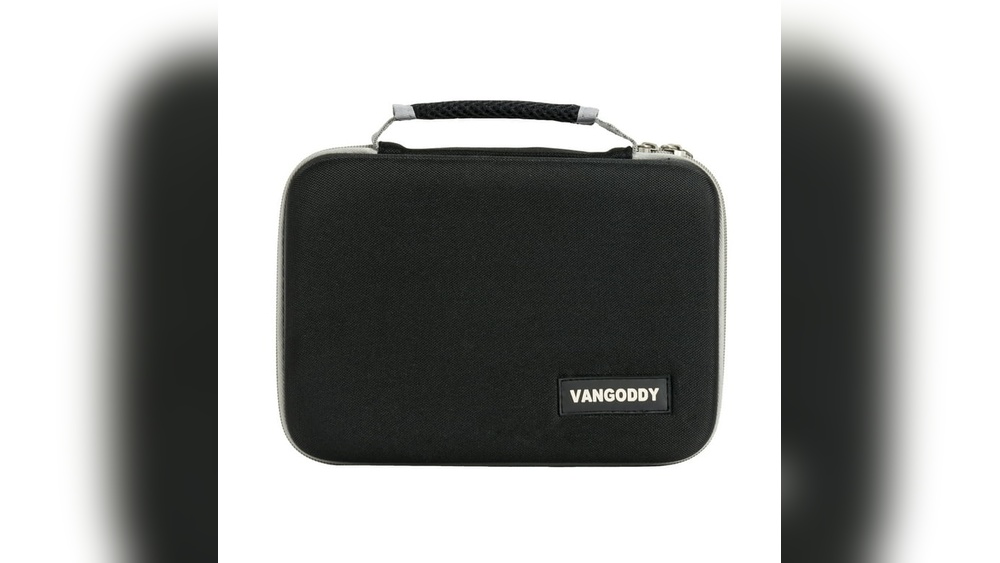
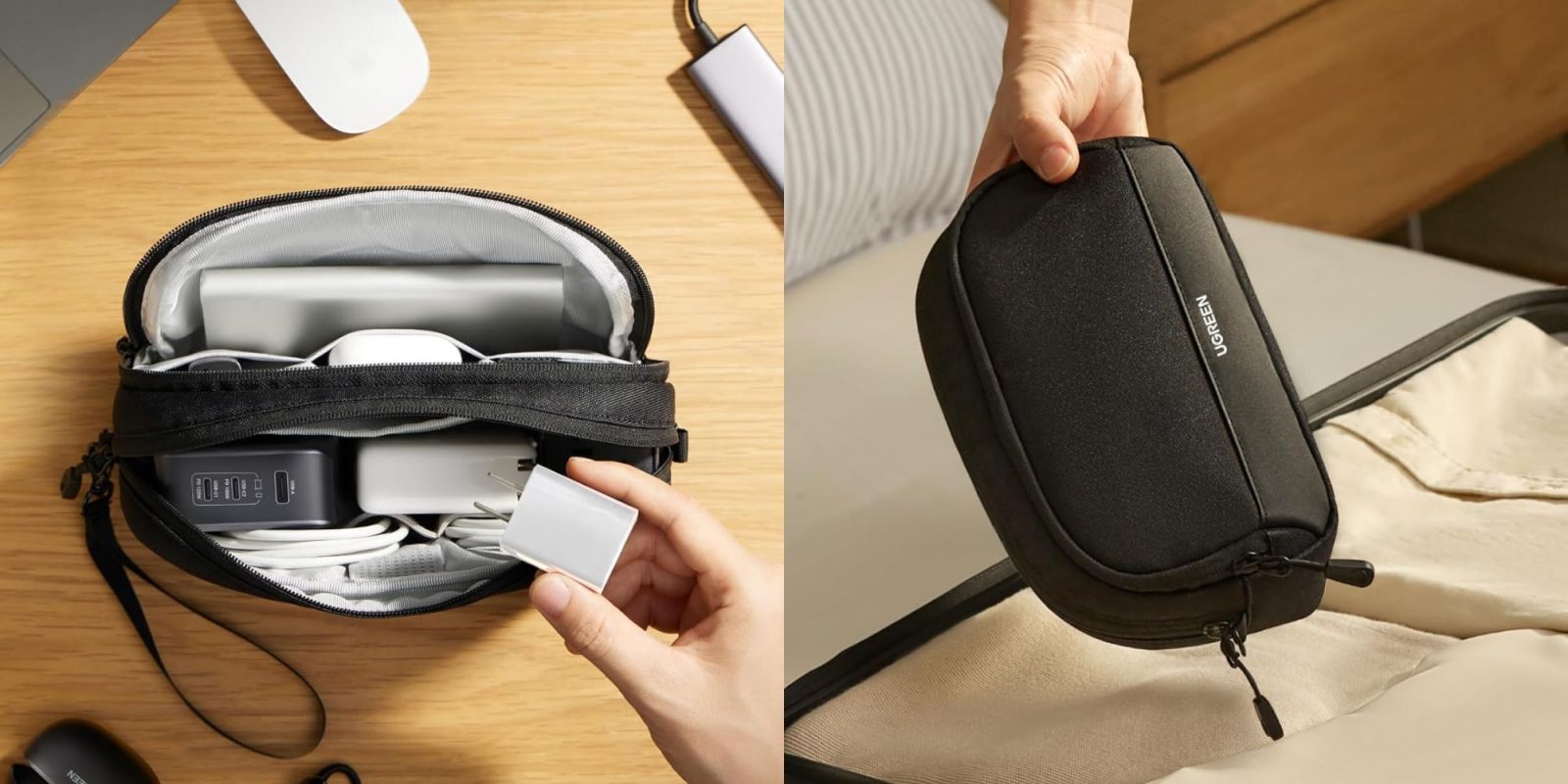
Protective cases shield your devices from bumps and drops. Use hard cases for phones and tablets. Soft cases work well for cables and chargers. Cases with padding absorb shock during travel. Pick cases that fit your devices snugly. Clear cases help you find gadgets quickly.
Use Cable Organizers
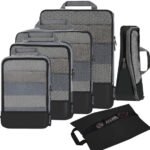
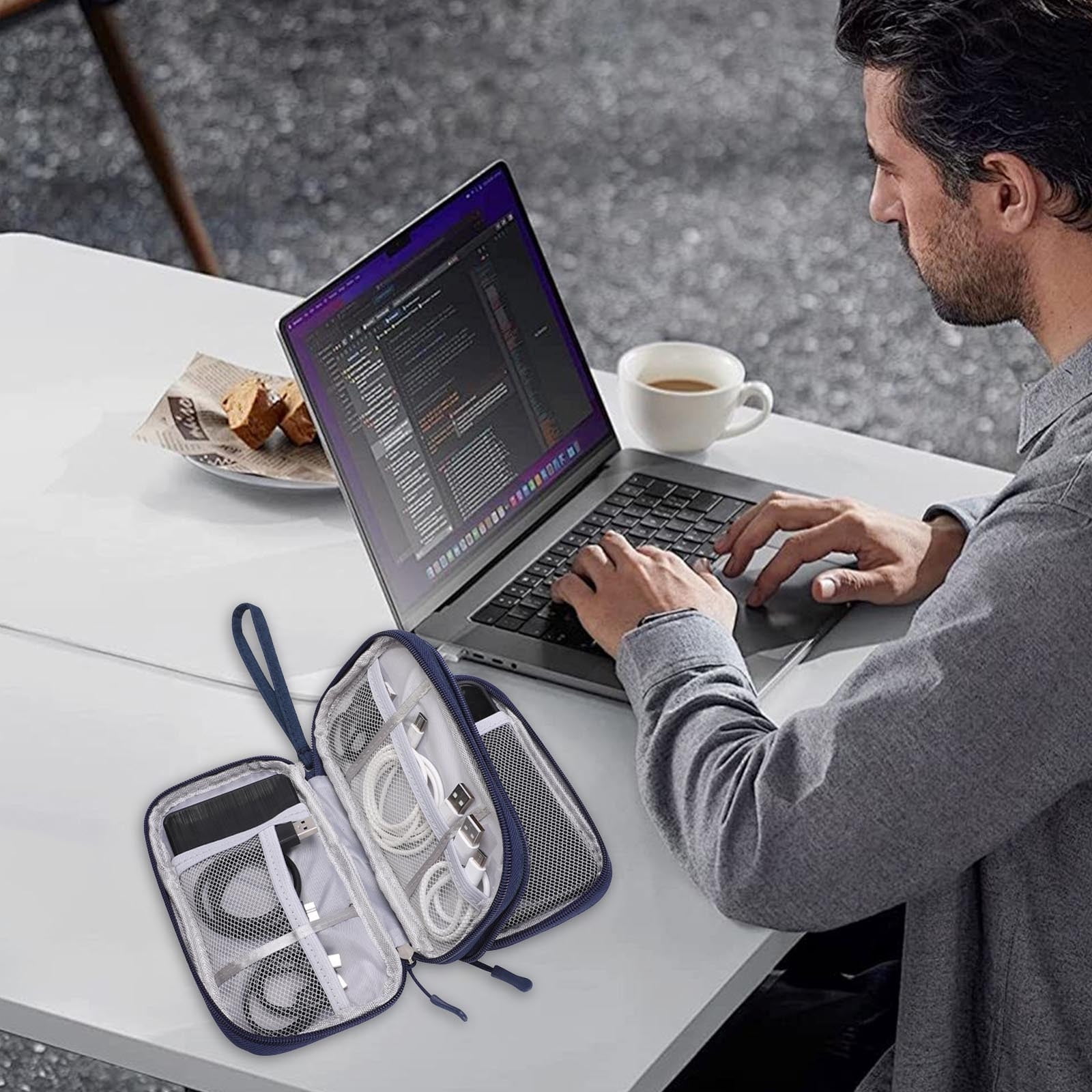
Cables tangle easily and can break if not stored well. Use cable organizers to keep cords neat and safe. Small pouches or straps work well to bundle cables. Label cables to find the right one fast. Organized cables save time and reduce frustration.
Include Cleaning Supplies
Clean devices function better and last longer. Pack a small microfiber cloth to wipe screens and lenses. Use alcohol wipes for deep cleaning, but carefully. Keep compressed air to blow out dust from ports. Clean electronics regularly during travel to avoid problems.
Charging On The Go
Keeping your small electronics charged while traveling is important. Without power, devices like phones, cameras, and tablets can become useless. Knowing how to charge on the go saves time and frustration. It also helps you stay connected and capture memories.
Carry Portable Chargers
Portable chargers, also known as power banks, are essential for travel. They provide extra power when outlets are not nearby. Choose a charger with enough capacity for your devices. Keep it fully charged before leaving your hotel or home. Carry a compact model to save space in your bag. This way, you can charge anytime and anywhere.
Use Universal Adapters
Different countries use different plug types and voltages. A universal adapter lets you plug your charger into any socket. It prevents damage to your electronics from wrong plugs. Look for one with multiple USB ports to charge more devices at once. Small and lightweight adapters fit easily in your luggage. Always check the adapter’s compatibility before traveling.
Avoid Overcharging
Overcharging can reduce your device’s battery life. Unplug chargers once the battery reaches 100 percent. Use chargers with auto shut-off features if possible. Charging overnight or leaving devices plugged in for too long is harmful. Monitor your devices regularly to keep batteries healthy. Proper charging habits extend your electronics’ lifespan.
Handling And Storage
Proper handling and storage of small electronics protect them from damage during travel. Careful attention keeps devices safe and working well. Simple habits extend the life of your gadgets. Follow these tips to handle and store your electronics smartly.
Keep Devices Dry
Water can ruin electronics quickly. Avoid using devices with wet hands. Store them in waterproof bags during rain or near water. Use silica gel packs in storage cases to absorb moisture. Dry devices immediately if they get wet.
Avoid Extreme Temperatures
Heat can melt parts, cold can freeze batteries. Do not leave devices in hot cars or under direct sunlight. Keep them at room temperature whenever possible. Use insulated cases to protect from cold air. Avoid sudden temperature changes that cause condensation inside devices.
Store In Secure Compartments
Loose devices can break or get lost easily. Use padded cases or compartments in your bag. Keep chargers and cables organized to avoid tangles. Use small pouches for memory cards and earbuds. Secure storage reduces risks of drops and scratches.

Credit: bgarchitects.com
Maintenance Tips
Keeping small electronics in good shape is key for smooth travel. Simple care steps help avoid problems and keep devices ready. Follow these tips to keep your gadgets working well throughout your trip.
Regularly Clean Screens And Ports
Clean screens gently using a soft, lint-free cloth. Avoid harsh chemicals that can damage the surface. Dirt and dust in ports can cause connection issues. Use compressed air or a soft brush to clear out debris carefully. Regular cleaning prevents build-up and keeps devices responsive.
Update Software Before Travel
Install the latest software updates before leaving. Updates fix bugs and improve security. Updated devices run smoother and reduce the chance of crashes. Check all apps and system settings to ensure they are current. This step saves time and frustration on the road.
Backup Important Data
Save important files and photos to a cloud or external drive. Backups protect your data if a device is lost or damaged. Keep backups updated before and during your trip. This practice offers peace of mind and protects your information.
Safety Precautions
Keeping your small electronics safe while traveling is very important. Theft, loss, or hacking can happen anytime. Taking simple safety steps helps protect your devices and personal data. These steps also reduce the risk of damage or theft.
Use Strong Passwords
Always use strong passwords for your devices. Combine letters, numbers, and symbols. Avoid easy passwords like “1234” or “password.” Change passwords often. Use different passwords for each device or account. This stops hackers from accessing all your data at once.
Enable Device Tracking
Turn on tracking features on your phone, tablet, or laptop. These tools help find your device if lost or stolen. Activate “Find My Device” or similar apps before you travel. Keep location services on but only for trusted apps. Tracking gives you peace of mind on the go.
Be Cautious With Public Wi-fi
Public Wi-Fi is not always safe. Avoid logging into important accounts on open networks. Use a virtual private network (VPN) if possible. It encrypts your data and hides your activity. Turn off automatic Wi-Fi connections to stop unknown networks from connecting. Protect your information from hackers in public places.
Credit: restaurantelforn.cat
Credit: 9to5toys.com
Frequently Asked Questions
How Do I Protect Small Electronics From Damage While Traveling?
Use padded cases or sleeves to shield devices from shocks. Avoid placing heavy items on electronics. Keep them in carry-on bags for better control and protection during transit.
What Are The Best Tips To Keep Batteries Safe On Trips?
Remove batteries if devices won’t be used for long. Store batteries in original packaging or insulated cases. Avoid exposing batteries to extreme heat or cold to prevent damage.
How Can I Prevent Data Loss On Travel Electronics?
Regularly back up important data to cloud storage or external drives. Use password protection and encryption for sensitive information. Avoid connecting to untrusted public Wi-Fi networks.
How Often Should I Clean My Small Electronics During Travel?
Clean devices at least once a week using microfiber cloths. Avoid harsh chemicals; use gentle electronic cleaning solutions. Regular cleaning prevents dust buildup and ensures proper device function.
Conclusion
Taking care of small electronics during travel keeps them safe and working well. Use protective cases and avoid extreme temperatures. Charge devices fully before trips and carry portable chargers. Keep gadgets clean and dry to prevent damage. Handle cords and plugs gently to avoid breaks.
These simple steps save money and stress. Enjoy your journey with devices ready to go. Small efforts protect your tech and make travel easier. Stay mindful, and your electronics will last longer on the road.