Losing your travel documents can turn a dream trip into a stressful nightmare. Imagine arriving at the airport only to realize your passport or tickets are missing.
You don’t want that hassle. Backing up your travel documents digitally is the smart way to stay prepared. You’ll discover simple steps to keep your important papers safe and accessible anytime, anywhere. Keep reading to learn how to protect your travel plans and enjoy peace of mind every step of the way.
Why Digital Backup Matters
Backing up travel documents digitally is essential for every traveler. Paper copies can get lost, damaged, or stolen. Digital backups keep important files safe and easy to access. You can store them on your phone, cloud, or USB drive. This small step saves time and stress during travel.
Risks Of Losing Physical Documents
Physical documents can easily be misplaced or damaged. Airports, hotels, and taxis are common places for loss. Paper can tear, get wet, or fade over time. Losing a passport or ticket can ruin your trip. Replacing these documents takes time and money.
Benefits Of Digital Copies
Digital copies are simple to carry and share. You can access them anytime on your phone or computer. Cloud storage keeps files safe from device loss. Sharing digital documents helps in emergencies or with travel agents. It also speeds up check-ins and security checks.
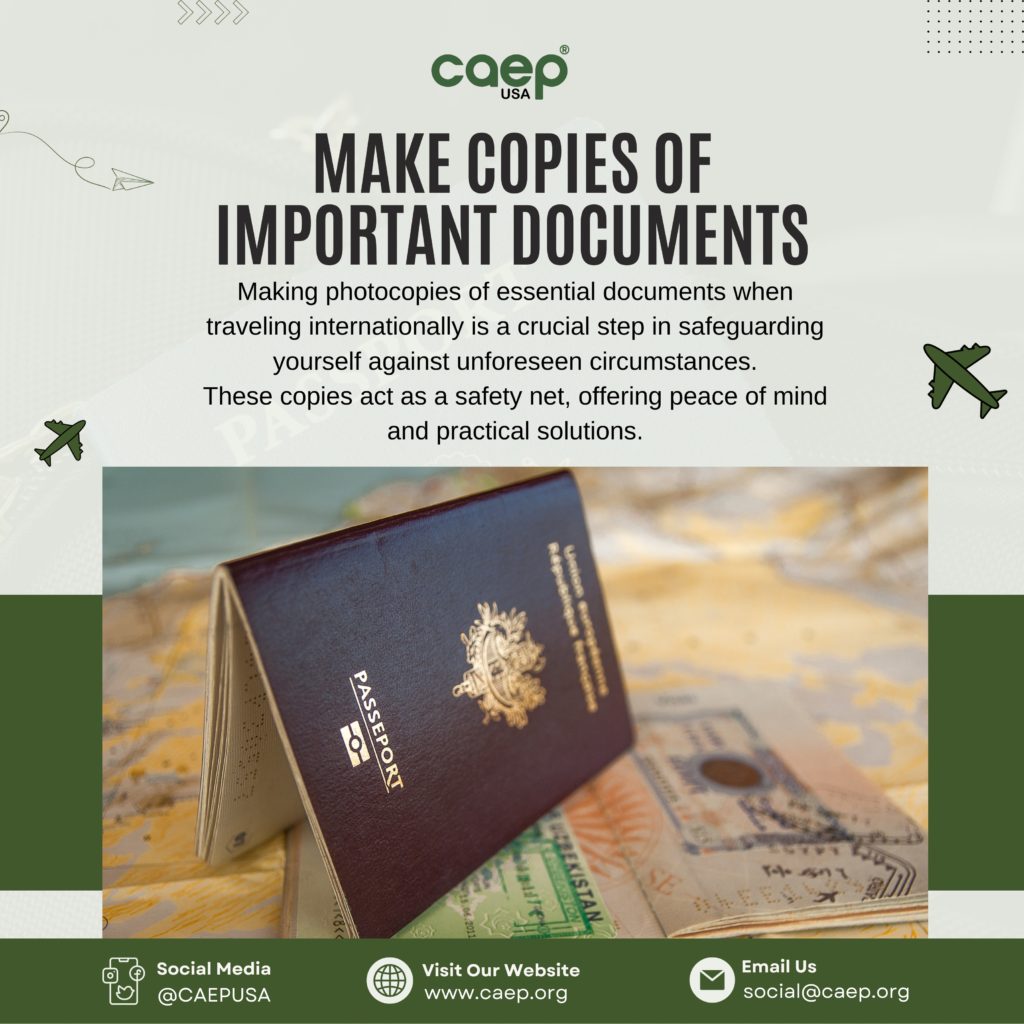
Credit: caep.org
Essential Travel Documents To Backup
Backing up travel documents digitally is essential for every traveler. It protects against loss, theft, or damage during the trip. Having digital copies ensures quick access and peace of mind. Focus on the most important documents to save time and stay organized.
Passports And Visas
Passports and visas are the most critical travel documents. Scan both the photo page and visa stamps. Save these files on your phone and in cloud storage. Carry a digital copy as a backup to the physical passport.
Flight And Hotel Reservations
Keep copies of flight tickets and hotel bookings. Screenshots or PDFs work well for this. Store these files in an easy-to-find folder on your device. This helps if you lose printed versions or face check-in issues.
Travel Insurance Papers
Travel insurance documents are vital for emergencies. Scan your policy details and emergency contacts. Save them on your phone and online accounts. Quick access can speed up help during accidents or illness.
Emergency Contacts
Emergency contacts include family, local embassy, and travel agents. Save their phone numbers and emails in your phone and cloud. Keep a digital list separate from your main contacts. It helps in urgent situations or lost phone cases.
Choosing The Right Backup Method
Choosing the right backup method for your travel documents is important. It helps keep your information safe and easy to access. Different methods offer different benefits. Some work better for online access. Others are good for offline use. Think about your travel style and what suits you best.
Consider ease of use, security, and access speed. Choose a method that fits your needs. Here are some popular options for digital backup.
Cloud Storage Options
Cloud storage lets you save documents online. You can access them from any device with internet. Popular services include Google Drive, Dropbox, and OneDrive. They offer free storage with options to buy more. Files stay safe even if your device is lost or stolen. Make sure to use strong passwords for security.
External Hard Drives And Usbs
External hard drives and USB sticks store files offline. They are portable and easy to carry. Good for backing up large amounts of data. No internet is needed to access files. Keep them in a safe place to avoid loss or damage. Remember to update backups regularly.
Mobile Apps For Document Storage
Mobile apps help store and organize travel documents. Apps like Evernote, Adobe Scan, and CamScanner work well. They allow you to scan and save documents quickly. You can access files on your phone anytime. Some apps offer extra security with passwords or fingerprint locks. Ideal for travelers who prefer using smartphones.
Steps To Digitize Your Documents
Digitizing travel documents is key for safe and easy access. It helps to keep copies ready in case of loss or theft. Follow simple steps to create clear, organized digital backups. This ensures important papers are always available on your phone or computer.
Scanning Vs. Photographing
Scanning produces clear, flat images without shadows. Use a scanner if available for best results. Photographing works well with smartphones or cameras. Make sure the document lays flat and is well lit. Avoid using flash to reduce glare on shiny surfaces.
Best Practices For Clear Images
Use natural light or a bright lamp for even lighting. Place documents on a dark, plain background to improve contrast. Hold the camera steady to avoid blurry pictures. Check each image to confirm all text is readable. Crop unnecessary edges to focus on the document only.
Organizing Files Effectively
Create folders by document type, such as passport, tickets, or insurance. Name files clearly, including the document type and date. Use simple formats like PDF or JPEG for easy viewing. Back up your files to cloud storage or an external drive. Keep digital copies updated after any changes or renewals.
Securing Your Digital Backups
Keeping your travel documents safe online is very important. Digital backups protect you if you lose physical copies. But saving files online or on devices means you must secure them well. Without strong protection, hackers or thieves can steal your information.
Use simple steps to guard your backups. These steps help keep your documents private and safe from unwanted access. Start with strong passwords, then encrypt your files. Add two-factor authentication for extra security. These methods work together to protect your digital copies.
Using Strong Passwords
Create passwords that are hard to guess. Use a mix of letters, numbers, and symbols. Avoid common words or easy patterns like “1234” or “password.” Change passwords regularly to stay secure. Strong passwords act as the first line of defense for your backups.
Encrypting Sensitive Files
Encryption hides your files behind a secret code. Only you can unlock them with the right key. Use encryption tools to protect sensitive travel documents. This stops others from reading your files, even if they get access. Encrypt before uploading or storing files on any device.
Enabling Two-factor Authentication
Two-factor authentication adds a second step to login. It asks for a code sent to your phone or email. This makes it hard for hackers to enter your account. Always enable two-factor authentication on services where you save backups. It greatly improves your account security.
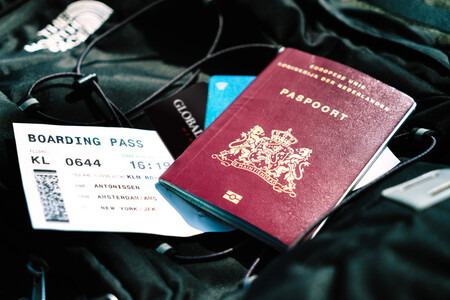
Credit: www.globalrescue.com
Accessing Backups While Traveling
Accessing backups while traveling is crucial for a smooth trip. You might lose your physical documents or face poor internet connections. Having your travel documents available anytime keeps stress low. Plan your access methods before you leave. This ensures you can get your files when needed.
Offline Access Strategies
Store copies of your documents on your phone or tablet. Save them as PDFs or photos for easy viewing. Use apps that allow offline access to files. Download important documents before leaving your hotel or Wi-Fi area. This helps if you have no internet during your trip. Keep files organized in clearly named folders.
Sharing Documents Safely
Share your documents only with trusted people. Use secure apps or encrypted email services to send files. Avoid sharing through public Wi-Fi networks without protection. Set strong passwords for shared document links. Limit access time or permissions to reduce risks. This protects your personal information from theft.
Using Backup Copies In Emergencies
Backup copies can save you during passport loss or theft. Present digital copies at embassies or police stations. Show flight tickets or hotel bookings from your phone. Keep a printed backup in your carry-on bag. This provides extra security if your devices fail. Always have multiple backup options ready.
Maintaining And Updating Backups
Keeping digital backups of travel documents is important for a smooth trip. Storing files is just the first step. You must also keep these backups current and organized. This avoids confusion and lost time during travel.
Regular updates ensure your files match the latest information. This helps in emergencies and when crossing borders. Maintaining backups is a simple habit that saves stress and trouble.
Regular Review Schedule
Set a schedule to check your backups often. Review files every few months or before each trip. This habit helps catch missing or expired documents early. Schedule reminders on your phone or calendar. Regular checks keep your backups reliable and ready.
Removing Outdated Documents
Delete old documents that no longer apply. Expired passports, old tickets, or outdated visas clutter your files. Removing them reduces confusion and saves storage space. Keep only current and valid documents in your backup folder.
Syncing Across Devices
Sync backups on all your devices for quick access. Use cloud storage services to keep files updated everywhere. Syncing ensures you can reach documents on phones, tablets, or laptops. It also protects files if one device is lost or damaged.

Credit: www.amazon.com
Frequently Asked Questions
How Can I Digitally Backup My Travel Documents Safely?
Use cloud storage services like Google Drive or Dropbox. Encrypt files with strong passwords for extra security. Regularly update your backups to keep data current and accessible during travel emergencies.
Which Travel Documents Should I Backup Digitally?
Backup your passport, visa, flight tickets, hotel reservations, and travel insurance. Also include emergency contacts and important ID cards. This ensures you have essential documents accessible anytime, anywhere.
What Is The Best Format For Digital Travel Documents?
PDF format is ideal for digital backups. It preserves layout, is widely accessible, and easy to share. Avoid editable formats to prevent accidental changes or data corruption.
How Do I Access Digital Backups Without Internet?
Download copies of your documents to your smartphone or laptop. Use offline access features in cloud apps. This ensures you can retrieve documents even without internet connectivity.
Conclusion
Backing up travel documents digitally keeps your important papers safe. Store files in multiple places, like clouds and USB drives. Use strong passwords to protect your information. Check your backups before traveling to avoid surprises. This simple step saves time and stress on the trip.
Keep copies easy to reach in case of emergencies. Digital backups help you travel with peace of mind. Don’t wait—start securing your documents today.