You’ve packed all your gadgets for your trip, but have you thought about how dust could damage them along the way? Dust might seem harmless, but it can sneak into your electronics and cause serious problems.
Imagine your phone, camera, or laptop getting clogged with dirt just when you need them the most. Protecting your devices doesn’t have to be complicated or expensive. You’ll discover simple and effective ways to keep your electronics safe from dust during your travels.
Keep reading to ensure your gear stays clean, functional, and ready for every adventure.

Credit: www.aplusa-online.com
Risks Of Dust To Electronics
Dust poses serious risks to your electronics during travel. Tiny particles can sneak into devices and cause trouble fast. Understanding these risks helps protect your gadgets better. This section explains common dust types, their impact, and long-term damage risks.
Common Dust Types On The Road
Road dust often contains dirt, sand, and pollen. These particles are small but tough. Car exhaust and construction dust add to the mix. This variety makes dust sticky and abrasive. It can easily enter devices through vents and ports.
Impact On Device Performance
Dust buildup blocks fans and air vents. This stops devices from cooling properly. Overheating slows down your phone or laptop. Dust can cover screens and keyboards too. This reduces touch sensitivity and visibility. Performance drops without obvious signs.
Long-term Damage Risks
Dust causes corrosion on metal parts inside devices. It can short-circuit delicate electrical connections. Over time, this leads to permanent damage. Fans and moving parts wear out faster. Repair costs rise, and devices may fail completely. Keeping dust out extends device life.
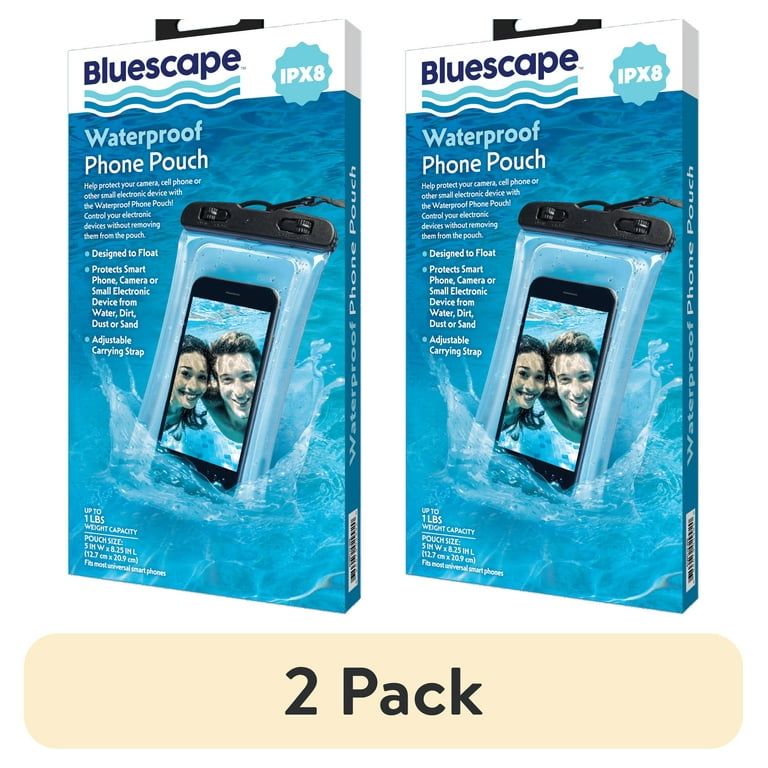
Credit: www.walmart.com
Pre-trip Preparation
Preparing your electronics before a trip helps keep them safe from dust. Dust can cause damage and reduce how well devices work. Taking steps before you travel saves time and money. It also keeps your devices clean and ready to use.
Cleaning Devices Before Travel
Clean your devices carefully before packing. Use a soft cloth to wipe off dust and dirt. Avoid using strong chemicals that can harm screens or surfaces. Check ports and openings for debris and remove it gently. Clean devices work better and stay protected.
Choosing The Right Protective Cases
Select cases that fit your devices well. Hard cases offer strong protection against dust and impacts. Soft cases can protect from dust but may not stop drops. Look for cases with sealed edges to keep dust out. A good case is a simple way to shield electronics.
Using Dust Covers And Screen Protectors
Dust covers add extra protection during travel. They stop dust from reaching screens and buttons. Screen protectors guard against scratches and dirt. Use both for devices with delicate parts. These accessories help keep electronics clean and safe.
Packing Techniques
Packing your electronics carefully stops dust from causing damage on trips. Using smart packing techniques keeps devices clean and safe. Protecting gadgets starts with how you organize and pack them.
Organizing Electronics Safely
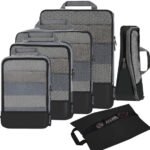
Keep all electronics in one place to avoid losing them. Group small devices like chargers and earphones in separate pouches. Place fragile items in padded compartments to prevent scratches. Use a dedicated section in your bag for easy access and better protection.
Sealing Devices In Protective Bags
Use ziplock or airtight bags to cover each device. These bags block dust and dirt from entering. For extra safety, wrap devices in soft cloth before sealing. This also prevents scratches and minor bumps during travel.
Avoiding Overpacking And Pressure Damage
Do not stuff your bag too tightly. Overpacking can press on devices and cause damage. Leave enough space around electronics for air and cushioning. Place heavier items away from gadgets to reduce pressure risks.
Dust Protection On The Go
Dust can harm your electronic devices during travel. Small particles can get inside and cause problems. Protecting your gadgets helps them work longer and stay safe.
Simple steps can keep dust away while you move. These tips fit easily into your travel routine.
Keeping Devices In Dust-free Zones
Place your devices in clean areas whenever possible. Avoid dusty surfaces like open tables or floors. Use bags or cases that close tightly to block dust. Keep gadgets in your carry bag rather than checked luggage. This reduces exposure to dirt and dust during transit.
Using Portable Dust Shields
Carry small covers or shields made for electronics. These shields act as barriers against dust and debris. Use screen protectors on tablets and phones to prevent dust buildup. A microfiber cloth can cover keyboards or ports when not in use. Compact shields are easy to pack and use anytime.
Handling Devices With Clean Hands
Wash or wipe hands before touching your devices. Dirt and oils from hands attract dust particles. Use hand sanitizer or a wet wipe when soap is unavailable. Clean hands reduce dust transfer and keep screens clear. This simple habit protects devices and keeps them looking new.
Cleaning Tips During Trips
Keeping electronics clean during a trip is important to avoid dust damage. Dust can block vents and cause devices to overheat. Small particles can also get inside ports and affect performance. Simple cleaning steps can protect your gadgets and keep them working well.
Safe Dust Removal Methods
Use a soft, dry cloth to wipe dust gently. Avoid using your breath to blow dust off. Compressed air cans help remove dust from hard-to-reach places. Hold the can upright and spray in short bursts. Never use vacuum cleaners as they can cause static damage.
Tools For On-the-go Cleaning
Carry a small microfiber cloth in your bag. These cloths trap dust without scratching screens. A portable air blower is lightweight and effective. Small brushes with soft bristles help clean keyboards and ports. Keep alcohol wipes for quick disinfecting, but use them sparingly.
Avoiding Moisture Damage While Cleaning
Never spray liquids directly on electronics. Apply cleaning solution to a cloth first. Make sure the cloth is only slightly damp. Turn off devices before cleaning to prevent short circuits. Allow your gadgets to dry fully before turning them back on.
Post-trip Maintenance
After returning from a trip, taking care of your electronics is key. Dust can build up and cause issues later. Post-trip maintenance keeps your devices working well and extends their life.
Thorough Cleaning After Travel
Start by wiping down all electronics with a soft cloth. Use a microfiber cloth to remove dust gently. Avoid using water or harsh chemicals on screens or ports. For keyboards and vents, use compressed air to blow out dust. Make sure to clean charging cables and cases too.
Checking For Dust-related Issues
Look closely at your devices for dust inside vents or ports. Dust can block fans and cause overheating. Check if any buttons or keys feel sticky or slow. Test the screen for spots or lines that dust might cause. Early checks help you fix problems before they get worse.
Preventive Measures For Future Trips
Use protective cases or covers for your electronics during travel. Store devices in zippered bags or pouches to keep dust out. Avoid placing devices on dusty surfaces. Pack cleaning tools like microfiber cloths and compressed air cans. These small steps reduce dust buildup on your next trip.

Credit: www.amazon.com
Frequently Asked Questions
How Can I Protect Electronics From Dust During Travel?
Use sealed plastic bags or dedicated protective cases to shield devices from dust. Keep electronics in a clean, dry compartment within your luggage for added protection.
What Materials Are Best For Dustproof Electronic Covers?
Silicone, neoprene, and hard plastic cases offer excellent dust resistance. These materials create tight seals preventing dust entry while providing shock protection.
Should I Clean Electronics Before Packing For A Trip?
Yes, clean devices with a microfiber cloth to remove dust and debris. This prevents particles from scratching screens or entering ports during travel.
How Do I Store Cables To Avoid Dust Damage?
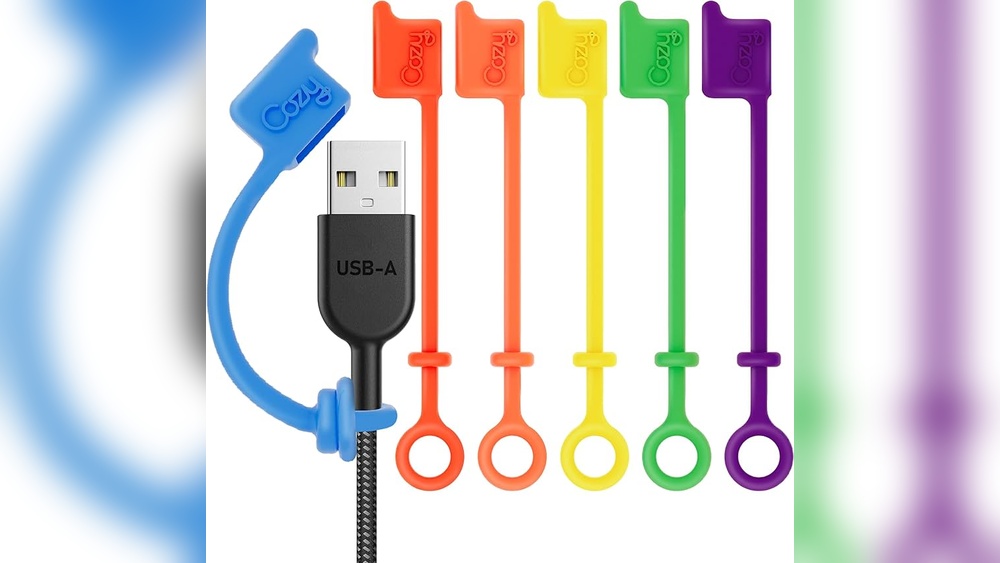
Store cables in zippered pouches or cable organizers. Keeping them in closed compartments minimizes dust exposure and tangling.
Conclusion
Protecting your electronics from dust keeps them working well on trips. Use simple covers and clean your devices often. Store gadgets in sealed bags or cases. Avoid placing electronics directly on dusty surfaces. Small steps prevent damage and save money.
Remember, a little care goes a long way. Keep your gear safe and enjoy your travel. Dust won’t stand a chance.